
A tiny LED matrix that always knows what language you're typing in. WLEDLayoutIndicator is a native macOS app that syncs a WLED-powered LED matrix with your active keyboard layout in real time.
The Problem
Invisible layout switches
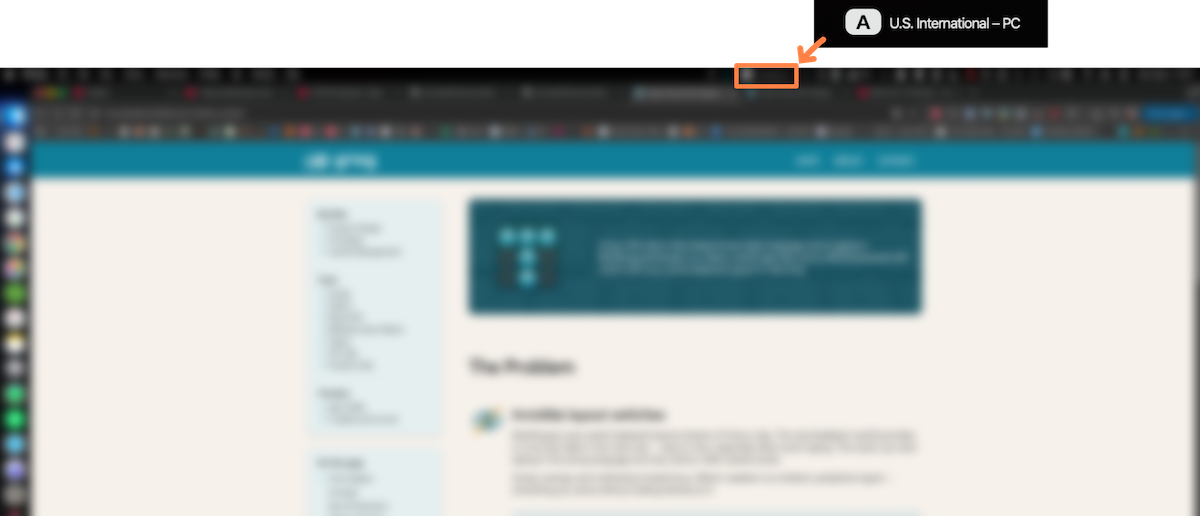
Multilingual users switch keyboard layouts dozens of times a day. The only feedback macOS provides is a tiny text label in the menu bar, easy to miss when touch-typing. So you start typing in the wrong language and only notice it a few words in.
Screen overlays and notifications break focus. What's needed is an ambient, peripheral signal, something you sense without looking directly at it.
Concept

A physical indicator, not another notification
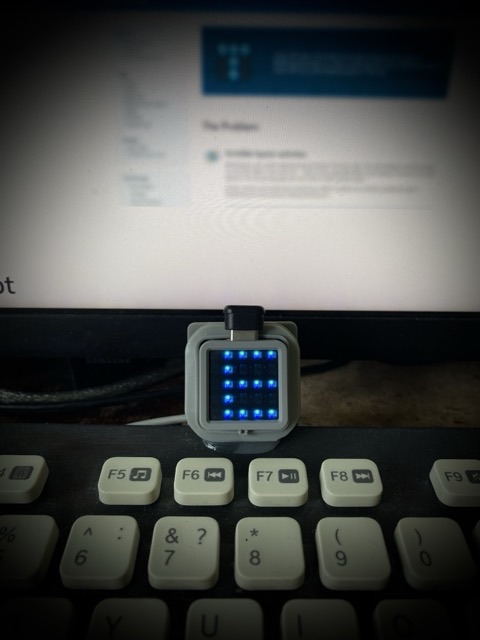
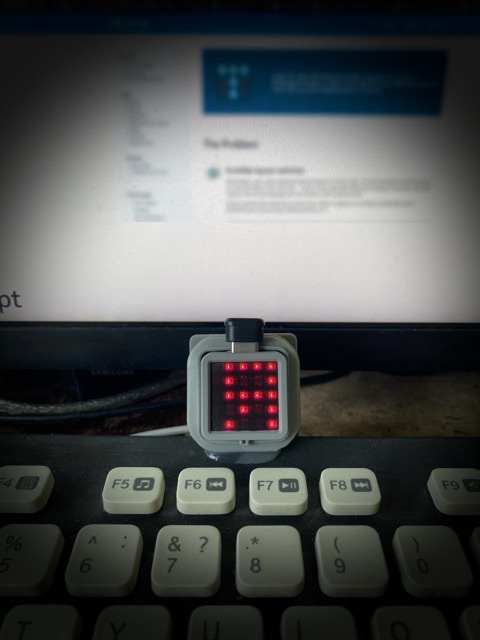
The core idea is simple. A small LED matrix sits next to the keyboard, always in peripheral vision, and changes color and pattern the instant the layout switches. No popups, no sounds, no interruptions.
Why hardware? A software overlay covers content and demands attention. An LED panel is ambient, visible without focus, and invisible when not needed.
Why M5Stack Atom Matrix? A 5×5 RGB LED grid in a tiny 24×24 mm package. It's affordable, runs WLED firmware out of the box, and connects over Wi-Fi. No soldering required.
Key UX Decisions

Color presets by language family
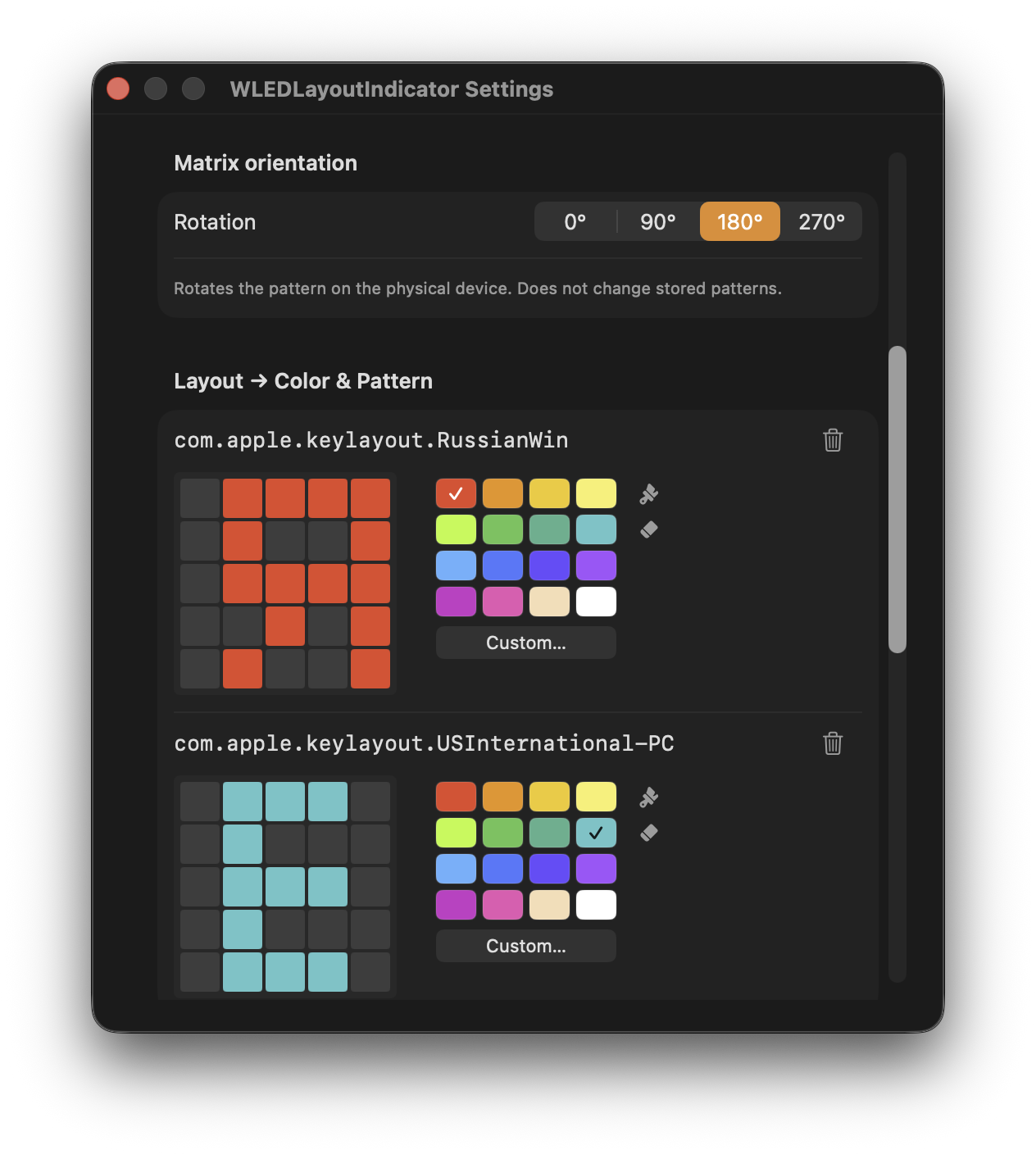
Instead of requiring manual setup, the app ships with sensible defaults. Cyrillic layouts get red, English gets blue, German yellow, French cyan, Spanish orange. Users recognise the color right away and can change it at any time.
5×5 pixel pattern editor
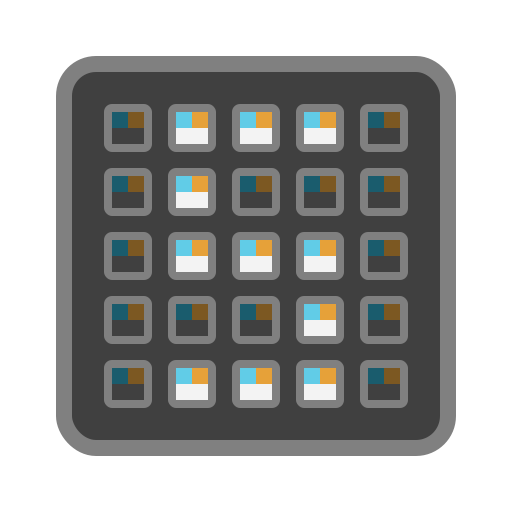
Each layout gets its own pixel bitmap. You draw which LEDs are on or off, turning a plain color signal into a recognisable symbol, an "E" for English or a "Я" for Russian. The editor mirrors the physical matrix exactly, so what you draw is what you see.

Per-app layout memory
The app remembers which layout you used in each application. Open Telegram and the matrix shows Russian. Switch to Terminal and it shows English. No manual switching needed. The LED starts predicting what you'll type next, not just reflecting what you're typing now.

First-launch auto-detection
On first run, the app finds WLED devices on the local network automatically and reads all keyboard layouts installed on the system. No manual configuration needed. You land straight in the customisation screen.

Sleep-aware dimming
Don't worry, the matrix will fade out automatically when the screensaver kicks in or when your Mac goes to sleep. It'll come back at full brightness as soon as you get back. The LED never stays on when the desk is empty and you don't have to worry about switching it on and off.
Result

Open source, ready to use
WLEDLayoutIndicator is a free download for Apple Silicon Macs. The source is open under MIT license and the GitHub wiki covers hardware setup step by step.
This started as a personal fix for a problem I deal with every day. If you switch keyboard layouts as often as I do and find macOS feedback just as invisible, give it a try. And if you want to take it further — fork it, extend it, make it your own. The more people improve it, the better it gets for everyone.

What's Next

More devices, more possibilities
The current version is built around the M5Stack Atom Matrix with its 5×5 grid. Next up is support for other WLED-compatible devices with different matrix sizes and shapes. That will also mean rethinking the pixel editor. A fixed 5×5 grid doesn't make sense for a 16×16 panel or an LED strip. What it turns into is still an open question, but the plans are there.